FTD Chassis Showing Offline in Cloud FMC
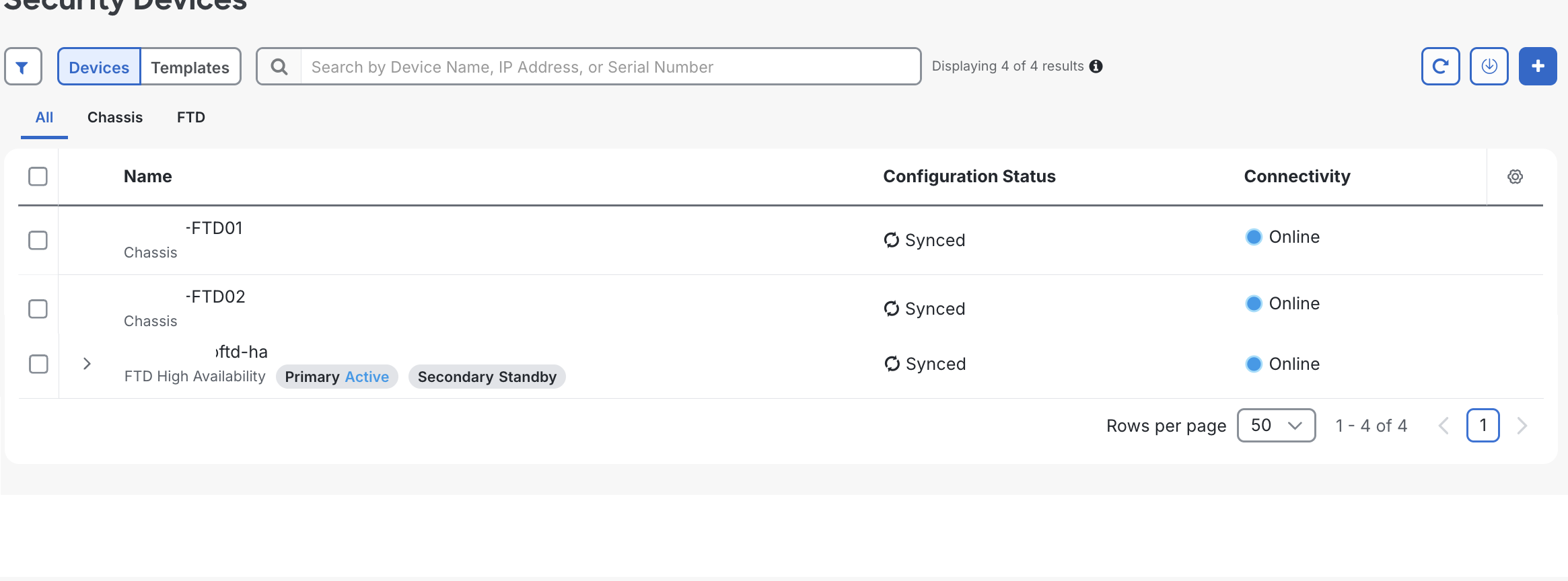
What if you power off/on your FTD 4245 NGFW Chassis and your FXOS instance shows online in your cloud based FMC but the chassis themselves remain offline?
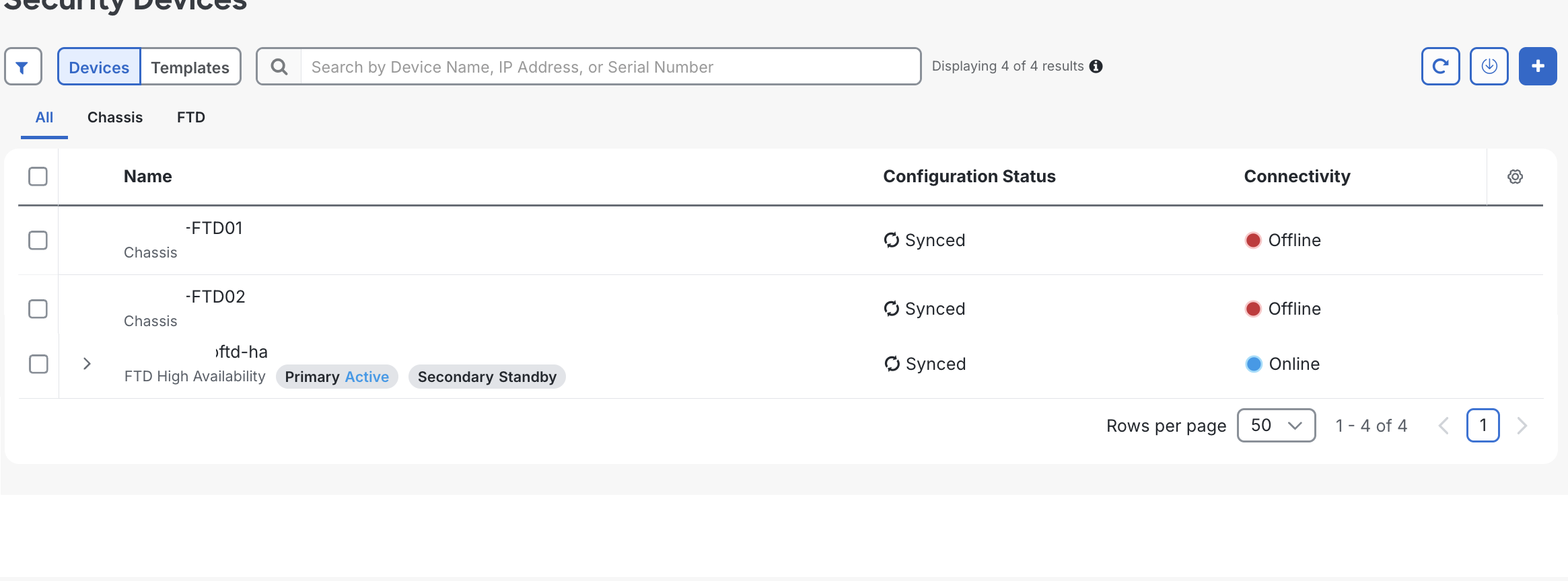
When you look around for answers all signs point to sftunnel not being connected, however there is a separate sftunnel from the chassis as well as in FTD. If you connect to FXOS and run sftunnel-status you'll likely see its connected. You need to check sftunnel from the chassis itself. Easiest way to do that is from serial console. Login and run connect local-mgmt, then tail-mgmt-log sfmessages
firepower-4245(local-mgmt)# tail-mgmt-log sfmessages
Jul 21 02:37:53 firepower-4245 sftunneld[244102]: [244110] sftunneld:sf_peers [INFO] Peer <REMOVED>.app.us.cdo.cisco.com needs a single connection
Jul 21 02:37:53 firepower-4245 sftunneld[244102]: [244110] sftunneld:sf_connections [WARN] Peer manager needs IPv4/IPv6 connection...but primary IP(s)could not be resolved with DNS lookup
In my case, that pointed to DNS configuration missing. How do you fix that on the chassis itself? Exit out of local-mgmt, then run:
scope system
scope services
create dns <Your-DNS-Server-IP>
commit-buffer
You can enter multiple create dns entries if needed. Then SSH into your FTD instance IP running on that chassis (not the chassis IP), where you have the > prompt and run:
expert
sudo pmtool restartbyid sftunnel
If you go back to your chassis console and connect local-mgmt again and tail-mgmt-log sfmessages, you should see the DNS errors clear and see "Got DIR_SYNC_ACK from peer" messages and the chassis should appear as online now in FMC. If not, you can click on the chassis in FMC and click Check for Changes.